Technics SL-P9066 Uživatelský manuál Strana 1
Procházejte online nebo si stáhněte Uživatelský manuál pro ne Technics SL-P9066. Technics SL-P9066 User's Manual Uživatelská příručka
- Strana / 20
- Tabulka s obsahem
- ŘEŠENÍ PROBLÉMŮ
- KNIHY

- Technics 1
- Dear Customer 2
- Table of Contents 2
- WARNING: 3
- Installation 4
- En vironm en t 4
- Maintenance 4
- No. Name ReL page 5
- Connections 6
- 5°,scs,.,.24 7
- To temporarily stop play 8
- To exchange discs during play 8
- To stop play 8
- _ _ MIN SEC 9
- Using the remote control 10
- One disc random play 10
- Full random play 10
- ,..oo..,ooE 3 2 5 1 11
- ;'YoI 11
- _1<1 SEARCH _l_ 13
- '\ I / 13
- " DISC 1RACK SEC 14
- II< SKiP _-_1 14
- / _-, /.,_/,-,,_ 15
- '\l / 16
- I-,<_1 SKIP I_.1 16
- 12' 17
- ,.......: i:; 18
- Troubleshooting guide 19
- Technical specifications 20
Shrnutí obsahu
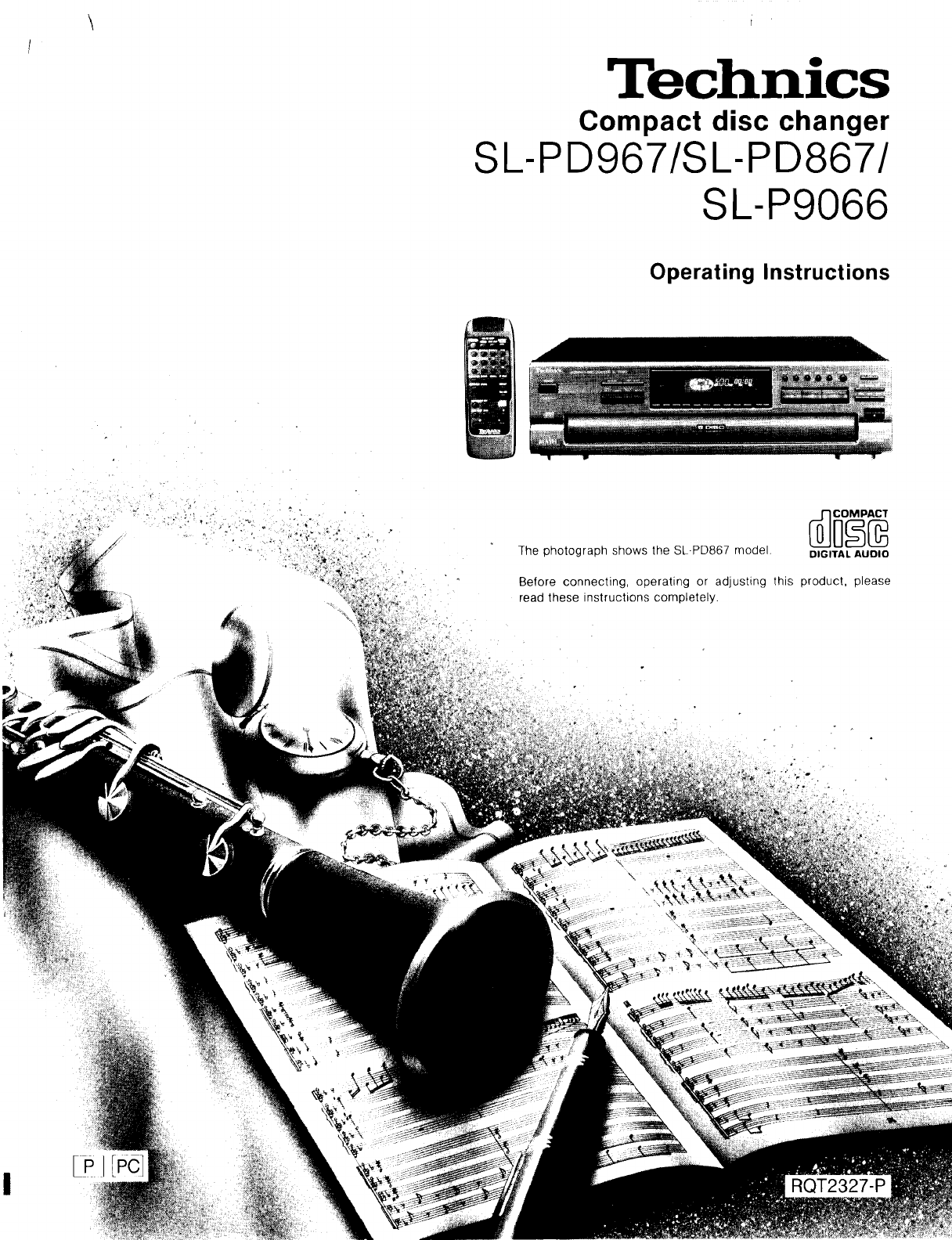
t¸TechnicsCompact disc changerSL-PD967/SL-PD867/SL-P9066Operating InstructionsThe photograph snows the SL-PD867 moaeDIGITAL AUDIOBefore connecung oper
10Using the remote controltransmitter _ m._._._ m._,_:_._=.,,,,_11 #! ,!,'i iI RECALL--% I?, ...To confirm the programmed contentsRECALL%Press
Youcanselectupto32selectionsthatyoudonotwanttohearandputtheminthechanger'smemory.Thenyoucanenjoyse-quential,onediscrandom,orfullrandomplayofonlyy
Using the remote controlCLEAR0RECALL(2DTo confirm the selections to be deletedRECALL%Press RECALL.Each time you press RECALL, the displayshows the sel
ii!iiiii_iii_ii!ii¸i!ii!iiiiiiiiiiiiiiThis function is convenient to use when searching for a desiredtrack.The function will search from the beginning
To skip discsUse this function to skip discs when selecting a disc to which youwish to listen, and when loading and unloading the discs.To skip tracks
Play will continue endlessly in accordance with the specific playmode selectedREPEATT"l I/REPEAT [Before or during play]_ Press REPEAT. I-I i-I •
Edit guideWhen recording, the changer will automatically program thetracks for tape sides A and B in accordance with the length of thetape so that non
,,ii i iiiiii i!!i!i!i! iii!i iiiiiiiii!i i!i'ii!ili! i i¸i-_--1 [Start recording on the tape deck andthen immediately:]_._ Press I_.When the
18Auto cue function_1 B ".,]|_I.'_}'i,] il kvlThe auto cue function allows the unit to wait in a standby condi-tion at the beginning of
Troubleshooting guideBefore requesting service for this unit, check the chart below fora possible cause of the problem you are experiencing. Some sim-
Dear CustomerThank you for purchasing this Technics product.For optimum performance and safety, please readthese instructions carefully.These operatin
Cthaution.s concerning.e mowng ofthzs unztTechnical specifications[_:I Ijl/o]A'ABefore moving the changer to another location, be sure 1o carryou
This device complies With Part 15 of the FCC Rules. O_erationis subject to the following two conditions: (1) This device maynot cause harmful interfer
4Before using this unit please read these operating instructionscarefully. Take special care to follow the warnings indicated onthe unit itself as wel
No. Name ReL pagePower "STANDBY _/ON" switch(POWER, STANDBY _ ION) 7Press to switch the unit from on to standby mode or viceversa. In standb
ConnectionsI.IPlease check and identify the suppliedaccessories.'Im"Jml_I_€l,.lm d m]:(_lO'ili_] AC cord [1)powersupply(For USA SJA175-
Seq uen tial playAll of the discs will be played, beginning from track 1 on theselected discf5°,scs,.,.24c,pE._ LO,;El--q _ E23I:_} r-q I:c3 I:Z3 I:::
OPENICLOSE1 2 0 _'10r--1F--] /_[ZZ2[Z3 DISC SKIP1 _t"t ; "L ]]; 1'To directly access a desired track1 2 _/E___Pressselect the trac
You can program up to 32 selections from the five discs in anyorder as you desire.3 251i j PROGRAM MODE IIn the stop mode]Press PROGRAM MODE sothat th
Související produkty a manuály pro ne Technics SL-P9066
 (4 stránky)
(6 stránky)
(96 stránky)
(4 stránky)
(4 stránky)
(8 stránky)
(8 stránky)
(4 stránky)
(3 stránky)
(20 stránky)
(16 stránky)
(12 stránky)
(7 stránky)
(4 stránky)
(8 stránky)
(4 stránky)
(8 stránky)
(8 stránky)
(4 stránky)
(16 stránky)
(4 stránky)
(6 stránky)
(96 stránky)
(4 stránky)
(4 stránky)
(8 stránky)
(8 stránky)
(4 stránky)
(3 stránky)
(20 stránky)
(16 stránky)
(12 stránky)
(7 stránky)
(4 stránky)
(8 stránky)
(4 stránky)
(8 stránky)
(8 stránky)
(4 stránky)
(16 stránky)
© 2020, manymanuals.cz. Všechna práva vyhrazena. | 0.079 s |
 Manymanuals.com
 Manymanuals.de
 Manymanuals.fr
 Manymanuals.it
 Manymanuals.pl
 Manymanuals.cz
 Manymanuals.es
 Manymanuals-pt.com
Komentáře k této Příručce